I Made My Game Art With AI. Then I Hit Three Walls.
Part of Round 1 · Roblox. New here? Start with Two Roblox Games, Four Months, $929 to Earn 66 Cents.
Roblox suspended my account three times in the last month of development. Six days offline in total: two days, then three, then one. All of it over images I’d generated with AI.
I’m not an artist. I had two games to ship alone, and AI art is aimed squarely at that situation: describe it, get it, move on. Generating images turned out to be the easy part. The problems came in three places, and they were different problems.
(This is the fourth post in a series about building two Roblox games solo with AI in four months. The first post is the data retrospective.)
Wall 1: making it
The first wall is the one you’d guess. Getting an asset that’s actually usable takes more work than the demos suggest.
3D was the hardest part, and I knew going in that it would be. I used Meshy for models. On the surface they looked good: they matched what I’d described and the reference images I gave it. Underneath, the triangle count was wild. Roblox won’t import a mesh over 20,000 triangles, and these blew past that without trying.
After a few tries I landed on the workaround: give it low-poly reference images. What comes back isn’t actually low-poly. It looks low-poly, and it carries far fewer triangles than you’d otherwise get, which is what makes it far easier to clean up. In Blender, the main thing I’d do is merge vertices that sit almost on top of each other, which drops the triangle count without visibly changing the shape. The fewer triangles you start with, the fewer passes that takes. Every model still went through by hand before it was light enough to use.
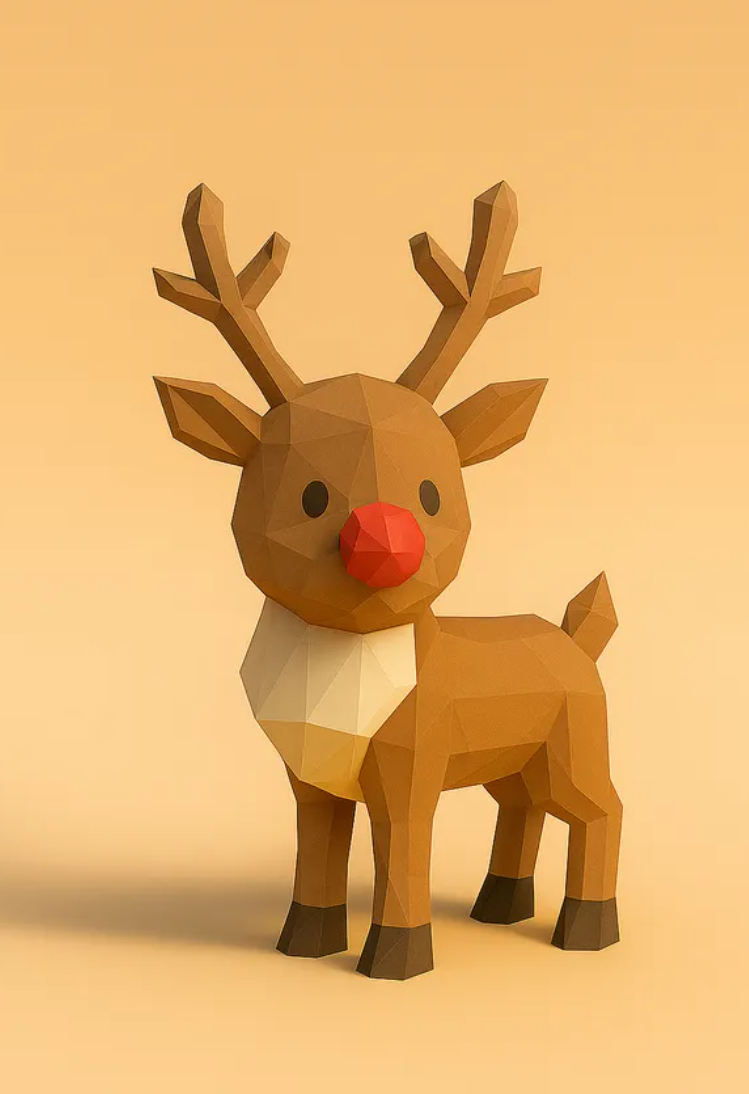
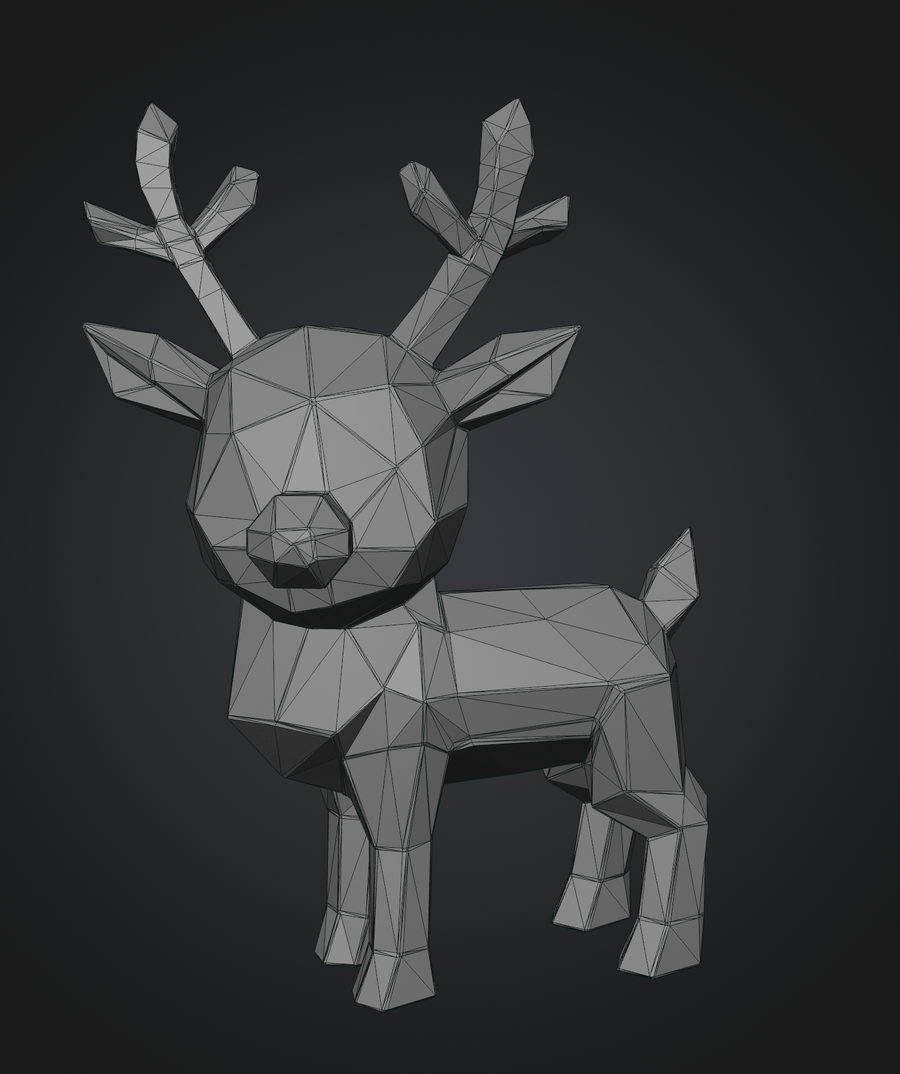
Which meant the fast path for a simple model was me, in Blender, making it myself.
Textures were where I actually needed it, and not because it was good at them. Modeling I could handle myself, mostly because this was Roblox. The art style is simple enough that a basic shape reads fine in game, and with enough Blender tutorials I could get a simple object to an acceptable place. Texturing wasn’t something I could pick up in the time I had. So texture work ended up being about ninety percent of what I used Meshy for, not because it did it well, but because it was the part I couldn’t do at all.
The snowball that kept coming apart
The best example of what actually goes wrong is a snowball.
Yeet Arena is a game about rolling a snowball and firing it at people, so the snowball is the most-looked-at object in the game. Every texture I generated for it came back broken in the same way: instead of a smooth surface, the sphere looked like a patchwork mosaic, seams everywhere, the pattern chopped into fragments that didn’t line up.
I assumed it was my sphere. So I tried a different one, with denser geometry. Same result. I rebuilt the sphere from scratch in Blender. Same result. I went around this loop for longer than I want to admit.
The cause turned out to be invisible from where I was standing. Before generating a texture, Meshy unwraps the model: it flattens the 3D surface into a 2D layout so a flat image can be painted onto it, the way a globe gets flattened into a world map. Meshy was doing its own unwrap, generating the texture to fit that layout, and then handing me only the texture. I was painting it onto my sphere, which had a completely different layout underneath. The texture was correct. The map it was drawn for was one I never received.
The fix was to bring Meshy’s mesh along with Meshy’s texture, instead of taking the texture alone.
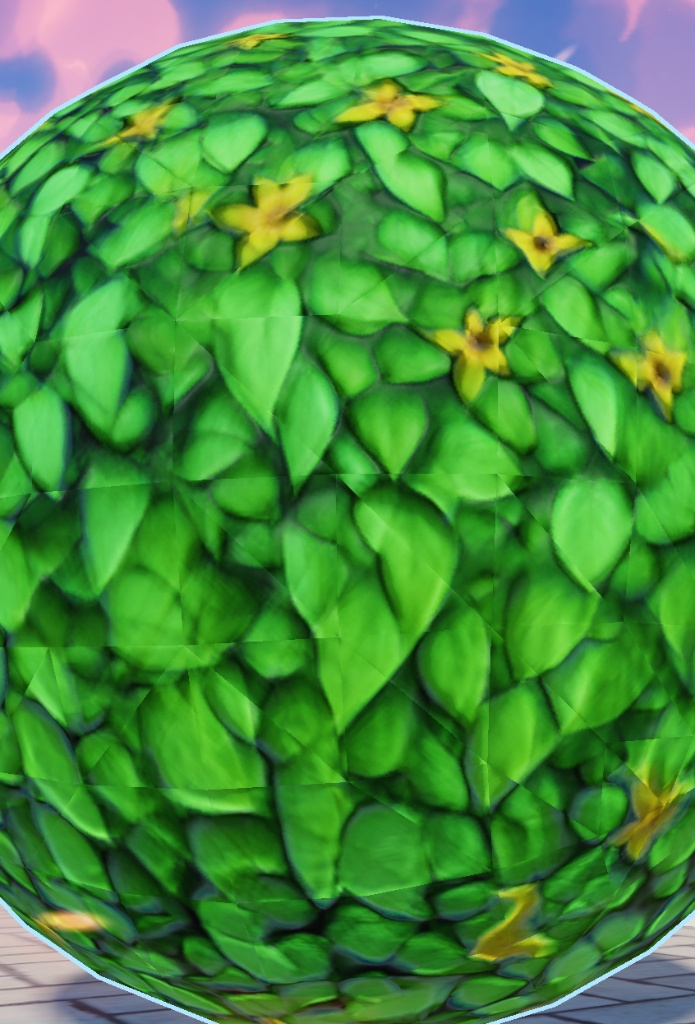
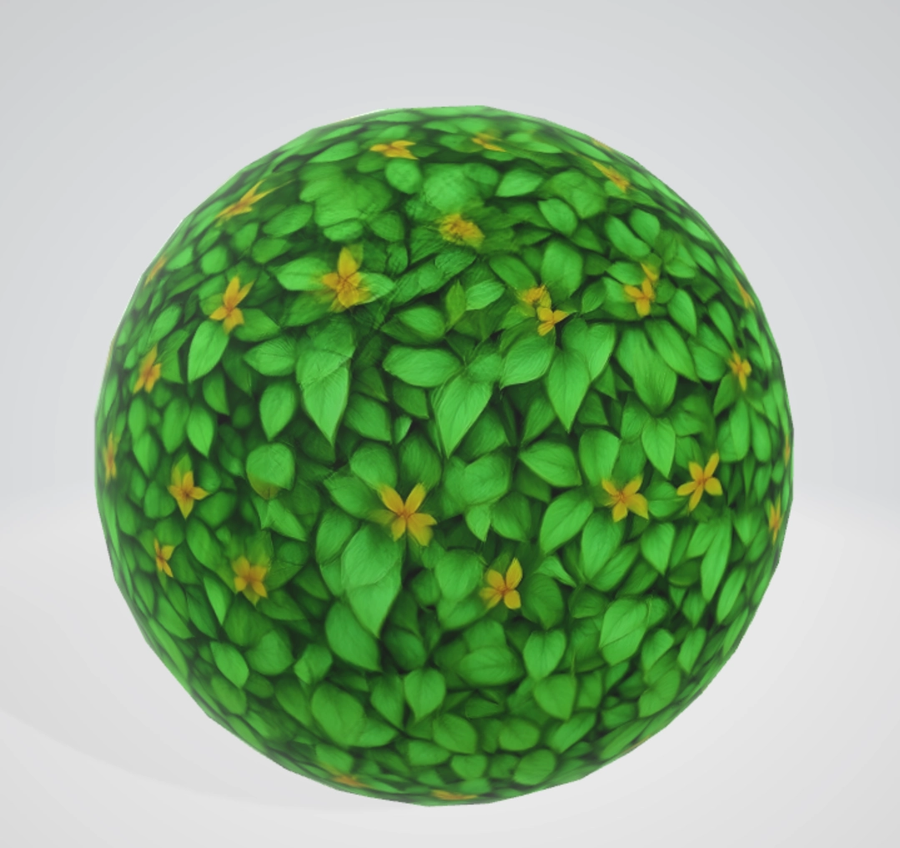
That’s the shape of most AI art problems I hit. The tool doesn’t work the way I’d assume a person would, and it doesn’t tell you which way it did work. Nothing in the interface mentioned that it had re-unwrapped my model. So I lost days on a sphere, which is about the simplest shape there is, because the one piece of information I needed was never surfaced.
And the textures weren’t even that good once I got them working. I kept using them because I was one person who didn’t know how to make textures, and this was the only option I had.
The parts that worked
Two-dimensional art was the part that gave me the least trouble. Game Rental Simulator needed cover art for a shelf full of rental cartridges, which meant a lot of images that had to look like different games without being any real game. Leonardo handled that at volume, and I ran it across roughly sixty keywords crossed with ten genres to fill the shelves.
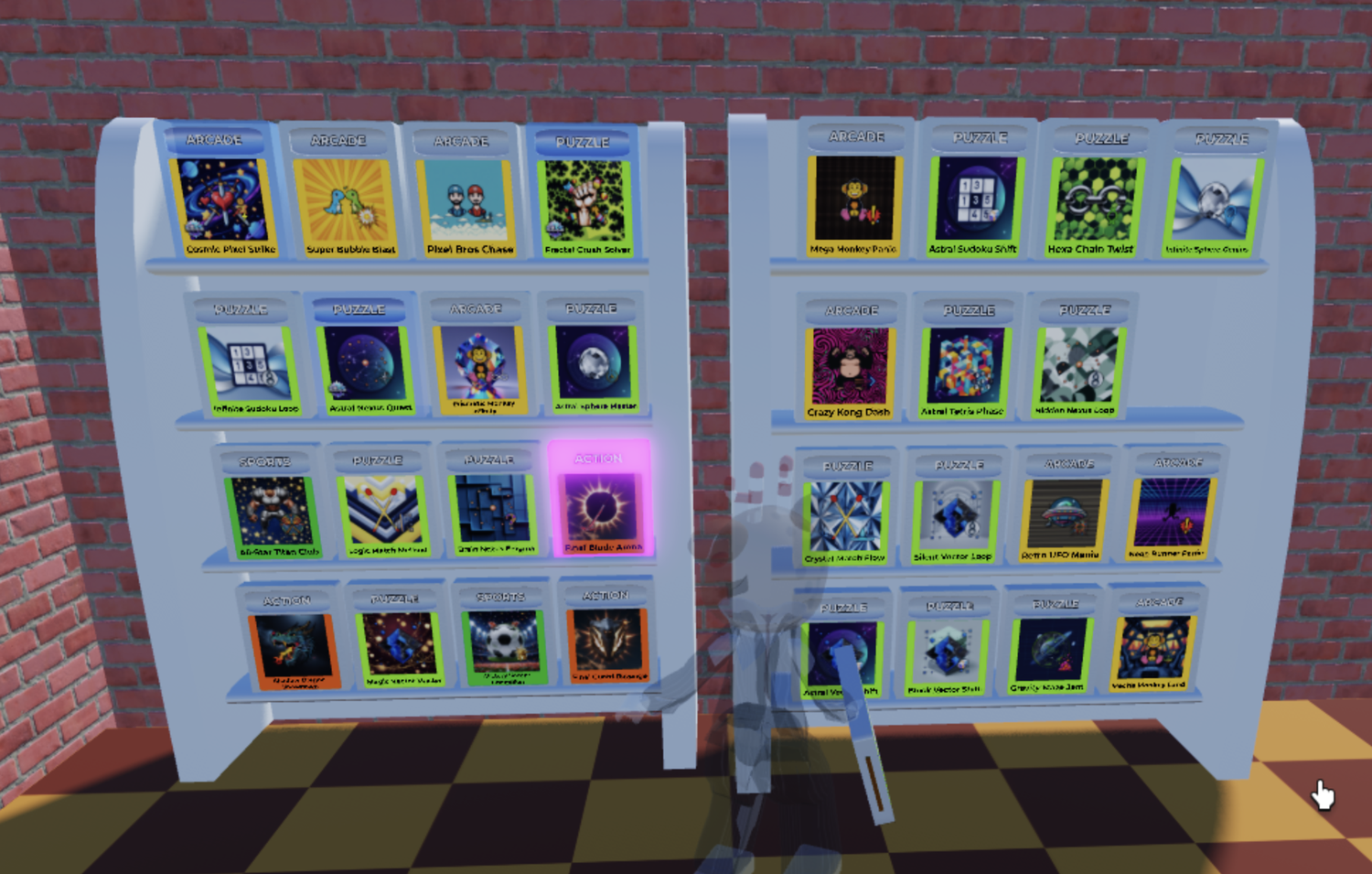
The last piece was uploading. Roblox requires every image to be uploaded to their servers before you can use it, which gives you an asset ID, which then has to go into a table in the code. Doing that by hand for hundreds of cartridge covers is exactly the kind of work I quit my job to stop doing. So I had Claude Code build it: point it at a local folder, it uploads each file, scrapes the returned asset IDs, and writes them into the table itself.
That pipeline worked perfectly, and it’s one of the things I’d rebuild first on any platform.
Wall 2: the platform
Every image uploaded to Roblox goes through automated moderation before anyone can see it. This makes sense. Roblox’s audience is largely children, and the volume of uploads is enormous. No one is arguing they shouldn’t filter. This wall has nothing to do with AI, incidentally. It’s about what’s in the picture, not who drew it.
What made it hard to work with was that I couldn’t predict it. I reviewed every image before it went up. I’d look at each one, decide it was clearly fine, and upload it. Some of them came back flagged anyway.
Things that got my uploads flagged: a cartoon gorilla beating its chest, marked as sexual content. Three blue lightning bolts, marked as discriminatory content. A cracked stone floor with red in the cracks, marked as gore. A painting of a cracked porcelain face in a gold frame, marked as sharing personal information.
Some of these I can reverse-engineer after the fact. Stylised lightning bolts have a real history I hadn’t thought about, so I can see how that classifier got there. The framed painting was presumably read as a photograph of a real person. But knowing that afterward is not the same as being able to predict it, and I never got good at predicting it.
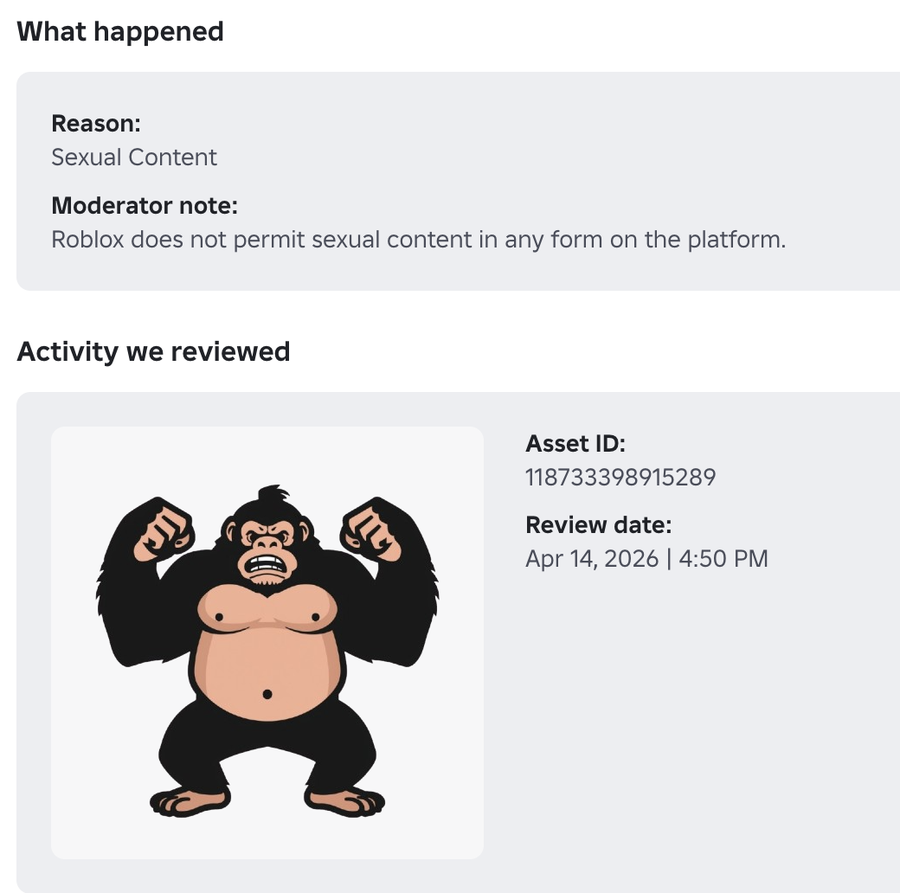
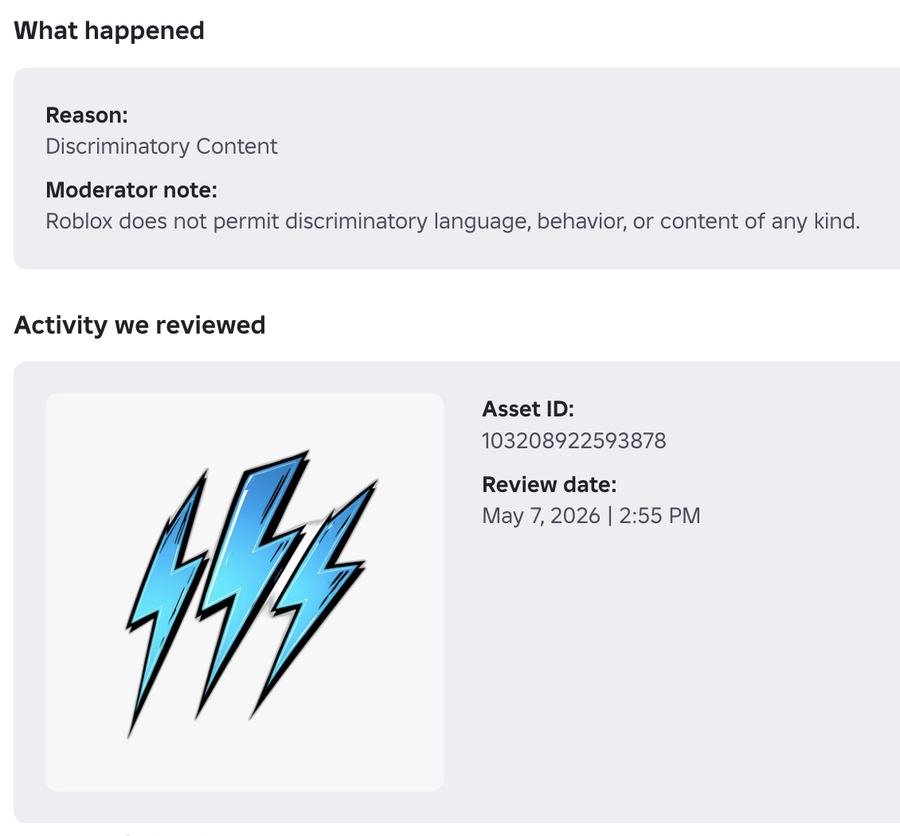
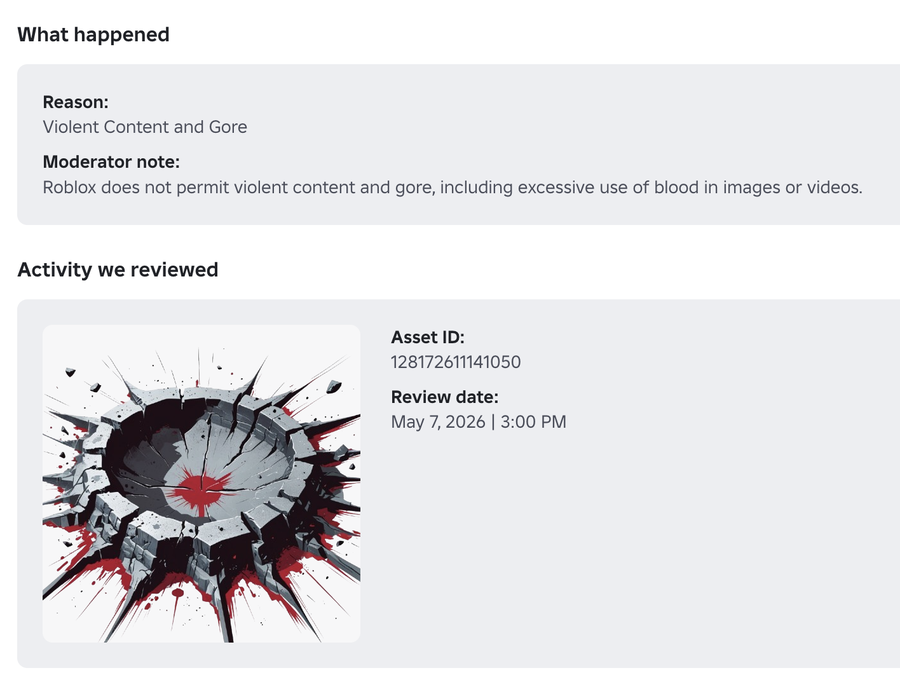
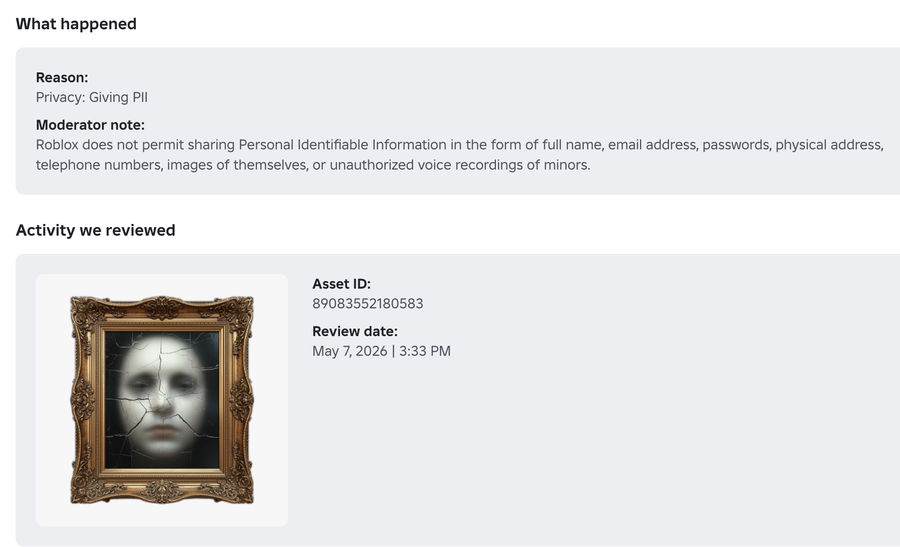
I appealed the ones I thought were clearly wrong. The gorilla came back approved. So did the lightning. The painting was rejected, and stayed rejected. An appeal takes days either way, and enough flags in a short window suspends the whole account, which is what kept happening to me.
The workaround was simple enough: I set up a second account and used Team Create, Roblox’s collaborative editing feature, so I could keep working in Studio while my main account was serving its suspension. It worked fine. It was just an annoying thing to have to do.
Wall 3: the players
One player told me the art looked AI-made and that they didn’t like it. Just one, in writing. But I’d guess plenty of others felt the same way and simply left instead of saying so.

Roblox’s player base skews young, and that generation has strong and largely negative feelings about AI-generated art. What they were objecting to wasn’t a particular asset being low quality. It was where it came from, which isn’t something a better prompt or a cleaner texture fixes.
I don’t think I had much of a choice at the time. The games needed a lot of art, I’m not an artist, and I was one person on a deadline. But if I’d wanted to take either game seriously, that’s exactly where the extra resources would have had to go: either not using AI for the art at all, or putting far more post-processing on top of what it gave me. I did neither, and the art is the part of both games I’d redo first.
What I’d tell myself
If I were starting again: use AI for textures and 2D, do simple 3D by hand, automate the tedious parts early, and budget more time than you think for the gap between generating an asset and actually using it.
What’s next
There were two moments in these four months when I understood I was going to leave Roblox. One of them was technical and I’ve already written about it. The other one happened while I was designing a feature I didn’t want to make.
That’s the next post.